Drupal
Drupal is a free, open-source content management system that can be used by one or many different users to create and mange websites. It was designed to be easy to use so that even people lacking technical skills can create their own websites. Drupal uses PHP and is ready to use as soon as it is downloaded.
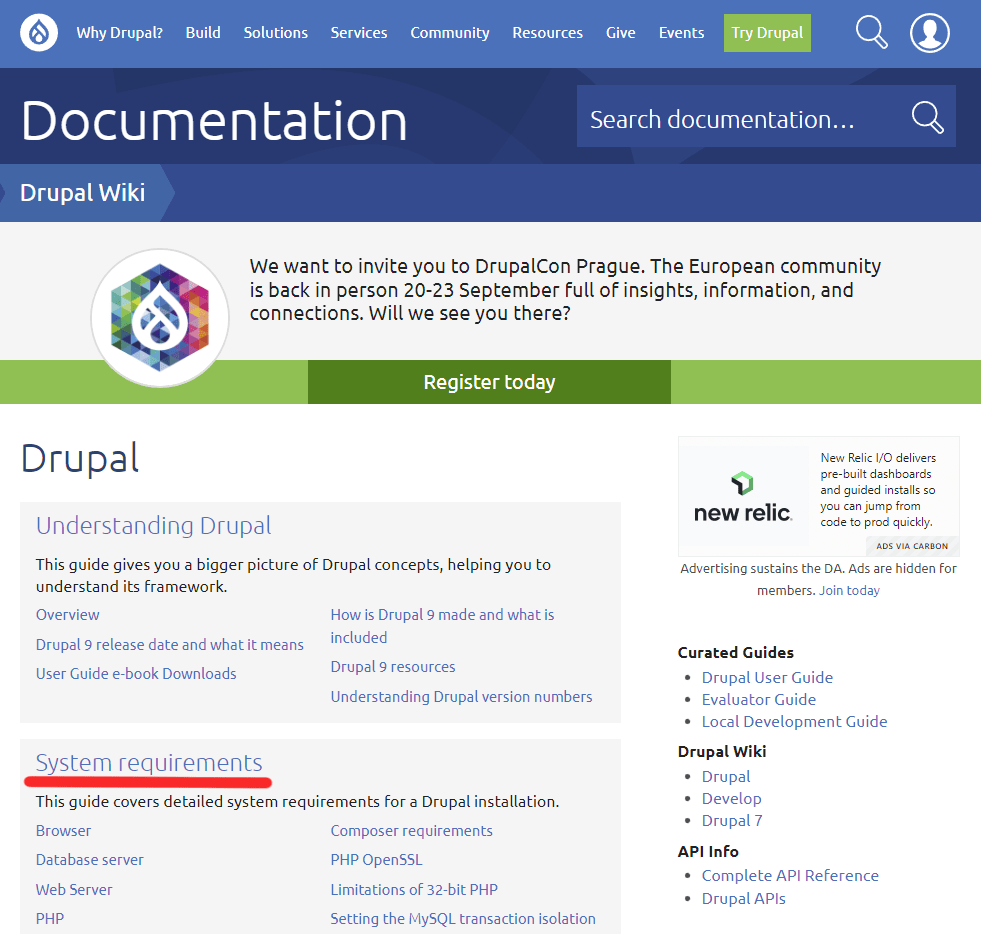
Before installing Drupal, first, you need to make sure that you meet all the system requirements so that the software will work. First, visit drupal.org/docs, here you can find links to all the information you could ever need about Drupal. From here, click on the System Requirements link to go a list of the requirements for Drupal.
After making sure that you meet all the requirements, you need to make sure that you have a new, empty database. How you create this database will vairy depending on your database software. I used XAMPP and created a local database using phpMyAdmin. Make sure that your database has a name, address, username, and password so that Drupal can access it.
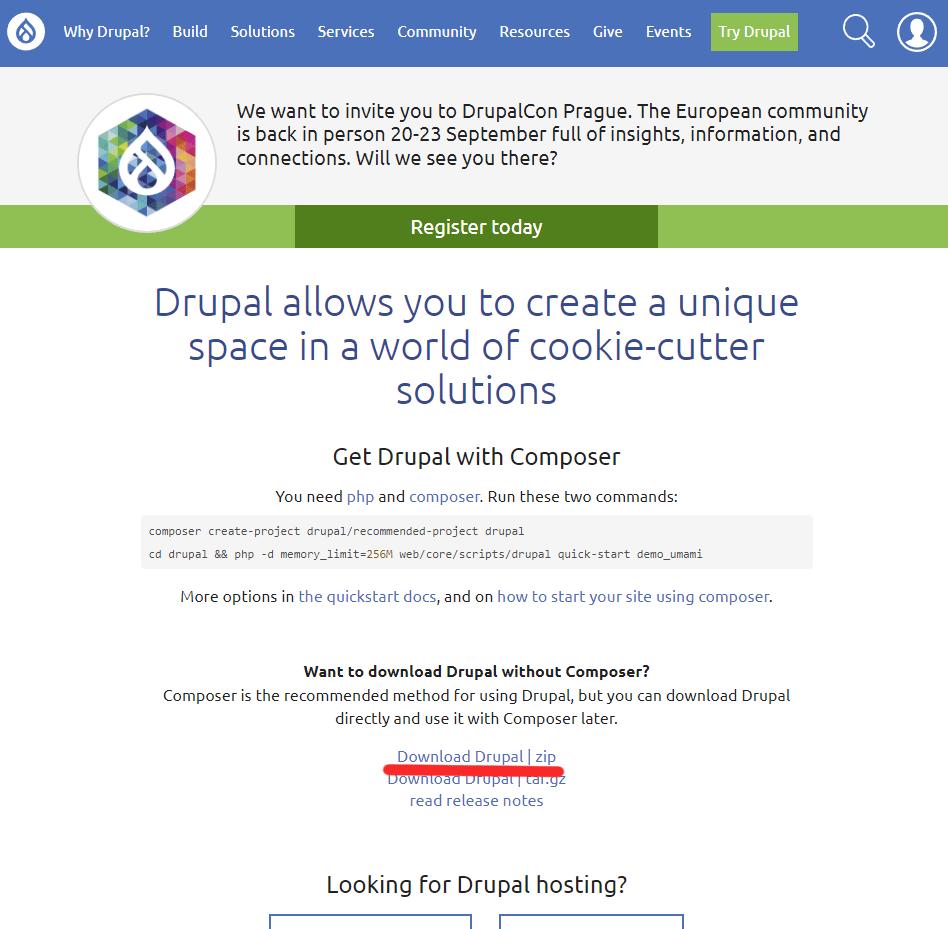
Now you will need to download Drupal. To do this, visit druapl.org/download. Drupal recommends using something called composer to install and run Drupal, but I did it without using composer and had no problems downloading it. What I did is click on the Download Drupal | zip link, to download the Drupal.zip file.
After that, I extracted all the files, and copied the unzipped folder into my htdocs folder so that it could be accessed thru my local host. The steps you take may be different if you are using different software or if you are not using a local host. To begin the setup process, I typed localhost:8080/drupal into my browser’s URL bar. I then entered all the necessary information and created an account. After completing the setup process, I was taken to the Drupal dashboard.
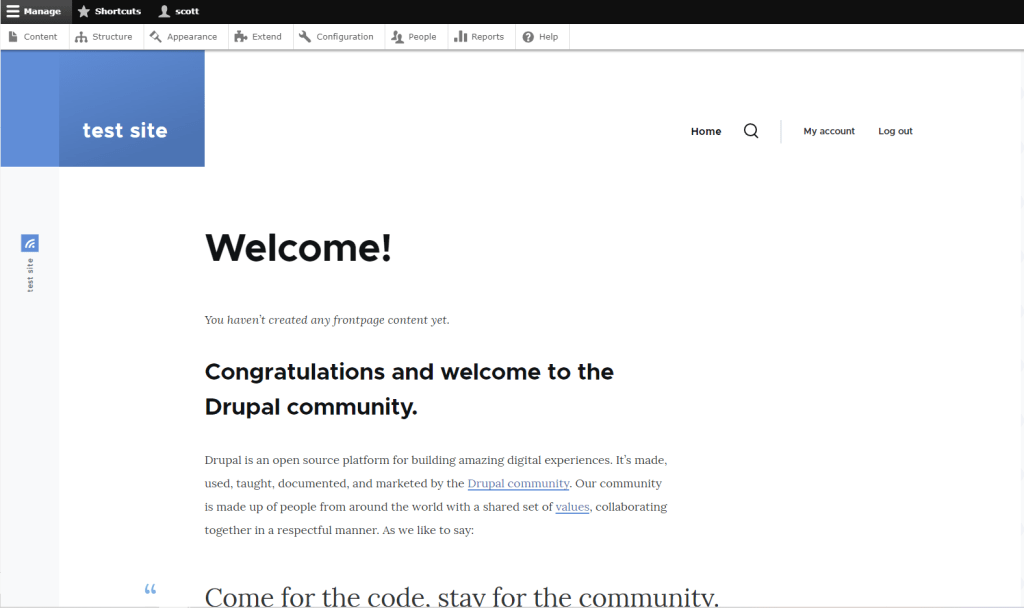
From here I was able to create a site. There are plenty of resources to help you learn how to use Drupal I used Linked-In Learning, but the other ones I looked at seemed just as helpful. I didn’t find Drupal too difficult to use once I spent some time with it and see how it would be helpful in making an actual website.


Leave a comment