A content management system (CMS) is a computer program used to create and modify digital content. There are many different CMSs such as WordPress, Drupal, Squarespace, and Blogger. I chose to install Expression Engine. I chose this CMS because I was curious as to why it was so popular.
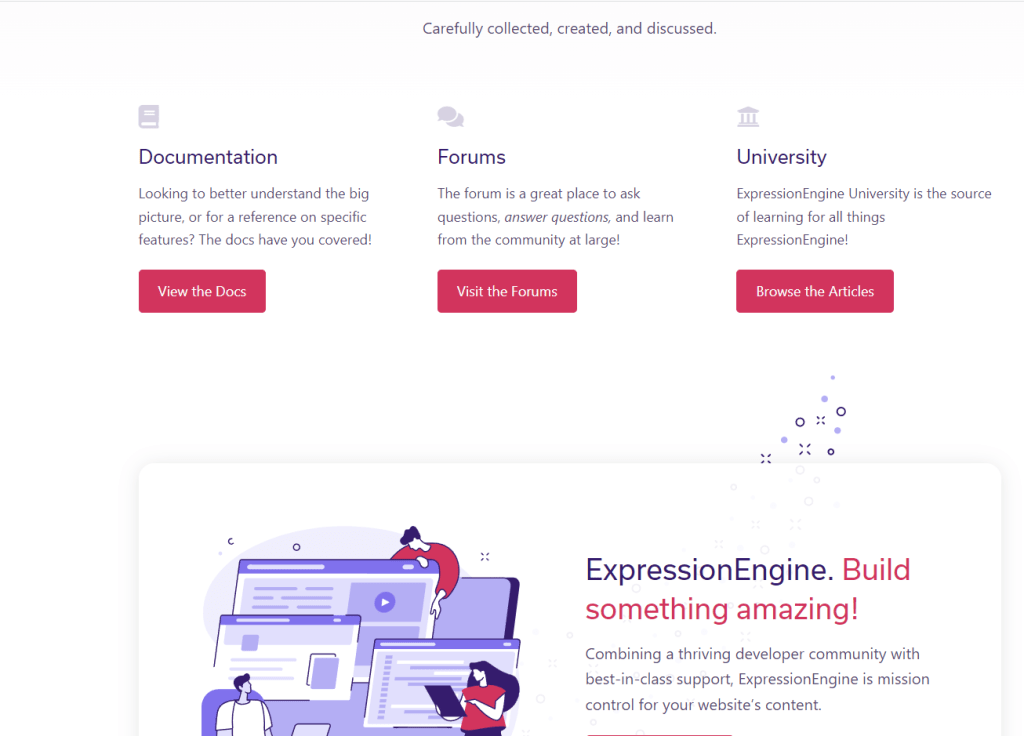
To install Expression Engine first, you go to expressionengine.com, scroll down the page, then click on the View the Docs link.
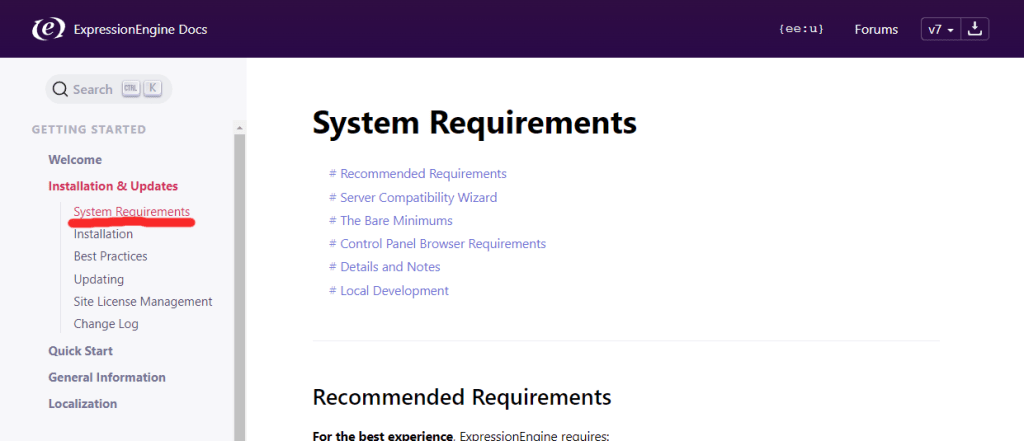
From here you will want to click on Installation & Updates, then click on System Requirements. Here you will find a list of software that is required to install and use the CMS.
After making sure that your machine meets all the requirements, you will need an empty database. Creating an empty database varies depending on what software you have or what host you are using. I used XAMPP and created the database locally. You need to make sure that the database has a name, server address, username, and password.
Next, download and unzip the latest release of Expression Engine. To do this go back to the home page and click on the “Free Download” button near the top of the page. Annoyingly, this takes you further down on the page where you click on a second “Free Download” button that downloads the files.

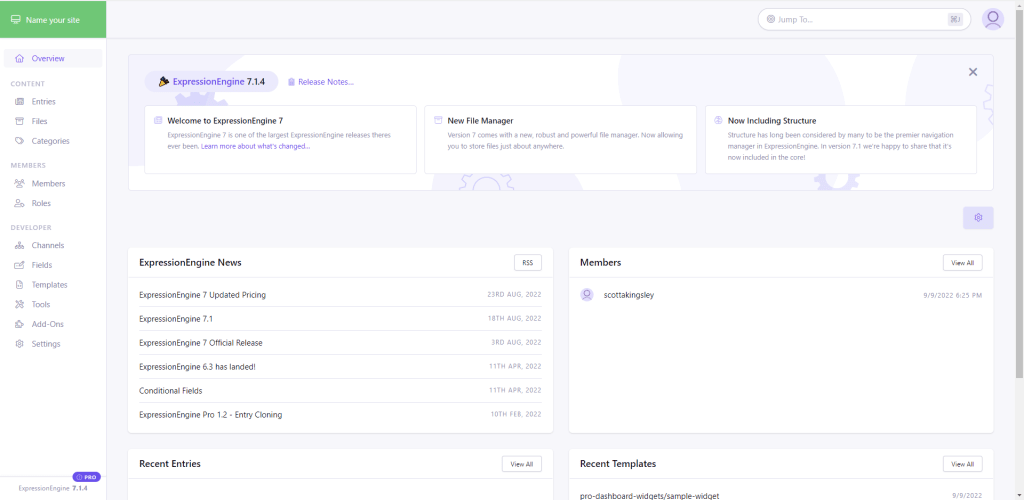
From here, I copied the unzipped folder into the htdocs folder located in the xampp folder. This step may be different if you are using different software or a different host. Then I accessed the installation file in my web browser by typing localhost:8080/expressionengin/admin.php. I then entered the database information and created an account which directed me to the dashboard.


Leave a comment